
Whether you live in a glass tower by the lake, a detached house on a quiet crescent or a farmhouse on a concession road, IPTV Ontario rests on one simple idea: your TV picture arrives through your internet connection instead of a dish or a coaxial outlet. That makes the province an easy place to use it, because most homes here already have a broadband line and at least one smart screen. It also means your evening depends far more on your own living room than on your postal code. A condo high above the street and a bungalow with a finished basement run into different problems, and this page helps you spot yours before they cost you a night of buffering.
Below, you will find what stays identical across the province, what changes from house to house, a summary of each city guide, and the practical figures every household needs: speed per screen, the connection rule, the time zone of your programme guide and the packs on offer. Read the sections that match your home, then open the guide closest to your situation. You do not have to live in that exact city for its advice to apply.
How IPTV Ontario reaches your home
When you order, your access details arrive by e-mail within minutes. They come in one of two forms: Xtream Codes, which means a server URL, a username and a password, or a single M3U link. You enter them in a player app on your TV, streaming stick, box, phone or computer. The app then builds your channel list, your series library and your movie catalogue on its own.
No technician visits. There is no box to rent, no wall plate to move and no appointment window to wait through on a weekday morning. The player app does the work, and the only local infrastructure involved is what you already pay for every month: your internet line and the network inside your walls.
That is why we organise our local advice by type of home rather than by region. The path the stream takes is the same everywhere in Ontario, from a Kingston townhouse to a Sudbury bungalow. The last stretch, from your router to your screen, is where one household differs from another, and it is also the part you can actually improve yourself, usually without spending much and often in a single afternoon.
Good to know: the players we suggest, including IPTV Smarters Pro, TiviMate, Smart IPTV, IBO Player, XCIPTV and GSE Smart IPTV, come from your device’s official app store. We are independent from their publishers. Some sell a licence; check the current price on the app’s official website. Our IPTV apps hub compares them.
One service, four very different households
We wrote a separate guide for four Ontario cities because each tends to bring a particular kind of home to mind. These are not rules about who lives where. They are common situations, and each guide tackles the problems that come with them.
| City guide | The home we pictured | Main challenge | What the guide focuses on |
|---|---|---|---|
| Toronto | Condo or apartment in a tower | Crowded Wi-Fi, small rooms | Choosing a Wi-Fi band, short Ethernet runs, phone viewing on the commute |
| Brampton | Family home shared by several generations | Many viewers, one connection per pack | Planning screens, bandwidth for a full house, French-language and international content |
| Mississauga | Detached or semi-detached house with a basement | Wi-Fi coverage across floors | Router placement, mesh systems, wired links |
| Ottawa | Bilingual household | Two languages, long winter evenings | App language settings, French-language content, guide times |
If your home mixes two of these profiles, read both pages. A bilingual family living in a Mississauga semi will get useful ideas from the Ottawa and Mississauga guides together. A Brampton family that just moved into a condo will find the Toronto guide more useful than the Brampton one for the Wi-Fi side, and the Brampton guide still useful for planning screens. Take what fits and skip the rest.
And if you live in Hamilton, London, Barrie, Windsor, Thunder Bay or a village with one main street, the same logic applies. Ask yourself which of the four homes yours resembles most, and start there. The section on towns, rural lines and cottages further down covers what the four city guides do not.
What stays the same everywhere in Ontario
Before looking at what differs, it helps to know what does not. These points apply identically in every Ontario home, whatever the building, the town or the household.
The same three packs
Premium, VIP Premium and Ultimate 4K, with the same catalogue sizes wherever you live.
The same durations
1, 3, 6 or 12 months, paid once in Canadian dollars, with no contract and no automatic renewal.
The same delivery
Access by e-mail within minutes, as Xtream Codes or an M3U link.
The same connection rule
1 simultaneous connection per pack, more on request through support.
The same players
Six supported apps from the official stores, on the same list of devices.
The same support
7 days a week by e-mail and WhatsApp, in English and French.
This consistency is useful when your household spreads across the province. Parents in Ottawa, a daughter in a Toronto condo and a son in a Brampton house will each order the same way, receive the same kind of e-mail and use the same players. What they will not share is their access: credentials are meant for one household only, and on a single-connection pack, two homes using one login would simply interrupt each other every evening.
On the question people ask us most, the answer is neutral and the same everywhere: the technology is legal; whether a service is legal depends on the broadcasting rights it holds, so check before subscribing. Our article Is IPTV legal in Canada? explains how to approach it.
What changes from one Ontario home to the next
Four variables decide whether your evening runs smoothly. None of them depends on the city name, and all of them are things you can measure or adjust.
Dozens of neighbouring routers crowd the air. The 5 GHz band or a short cable beats raw speed.
Then: read the Toronto guideThe number of screens playing at once matters more than the number of devices you own.
Then: read the Brampton guideFloors, ducts and concrete weaken the signal. Mesh or a wired link solves it.
Then: read the Mississauga guideMenu language and content language are separate settings, and each viewer needs both right.
Then: read the Ottawa guideA fifth variable is your internet line itself. Most homes in the cities have plenty of speed for one or two screens, but some rural lines and older buildings deliver less than the plan promises, especially in the evening. That is why every guide on this site asks you to test the speed on the TV at the hour you usually watch, not on a phone in the morning. The number that matters is the one that reaches the screen when you sit down.
Toronto: condo towers and crowded Wi-Fi
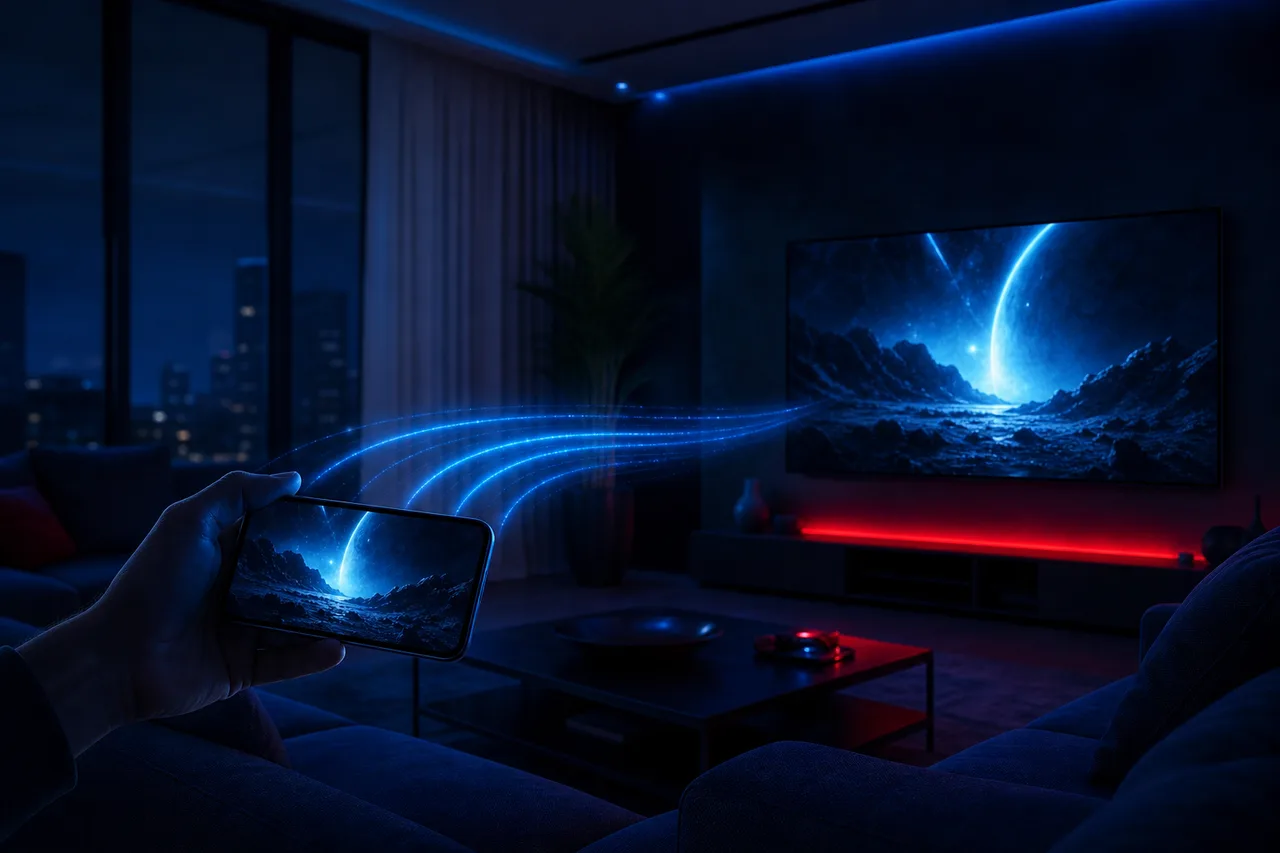
In a tower, your Wi-Fi competes with every unit around you. On a typical evening, a phone’s Wi-Fi list in a downtown condo can show dozens of networks, most of them on the 2.4 GHz band. Your stream is fighting for air with all of them, which is why a fast plan can still stutter at nine o’clock while it runs perfectly at noon.
What the Toronto guide covers
The good news is that condo units are small, so the router is rarely far from the TV. That makes two fixes very effective: connecting the TV or stick to the 5 GHz band, which is less crowded and faster over short distances, or running a short Ethernet cable along the baseboard. The guide explains both, plus how to watch on your phone during the commute without eating through your data.
- Move streaming devices to 5 GHz
- Use a cable when the router is in the same room
- Test speed at your usual viewing hour
Small spaces bring a second question: which screen? In a one-bedroom unit, a phone or tablet may be the main screen for one person, and a wall-mounted TV with a stick behind it is common. The stick’s position behind a large TV can weaken its signal; an HDMI extender often helps. The full IPTV Toronto guide covers these details, and our condo Wi-Fi guide goes deeper into bands, channels and mesh in apartment buildings.
Brampton: full houses and many viewers
When grandparents, parents and teenagers share one roof, planning screens matters more than counting devices. A house can easily hold five TVs, tablets and phones, but what decides your setup is how many of them play at the same time on a typical weeknight.

What the Brampton guide covers
Each pack includes 1 simultaneous connection. In a multigenerational home, that often means a decision: share one stream with a simple household schedule, or ask support about more simultaneous screens. The guide helps you count honestly, add up the bandwidth for a full house and set up favourites and profiles so every generation finds its programmes without help.
- Count screens playing at peak time
- Add the speed figures for each
- Ask support before ordering for more screens
Large households are also often multilingual. The catalogue includes French-language and international content; if a grandparent is hoping to watch in a specific language, ask support before ordering so you know exactly what to expect. The full IPTV Brampton guide covers the household side, and our page on IPTV for families explains profiles and parental controls in detail.
Mississauga: floors, basements and coverage
The stream is perfect on the main floor and stutters in the basement. That single sentence sums up the most common problem in Ontario houses. A router installed by the front door or in a home office upstairs has to push its signal through floors, ducts, appliances and sometimes a concrete foundation wall before it reaches the rec room TV.

What the Mississauga guide covers
The guide walks through three fixes in order of cost and effort: moving the router to a more central spot, adding a mesh point near the stairs, and running a wired link to the basement. It also explains when the 2.4 GHz band, slower but longer-reaching, is the better choice for a distant room, and how to test each floor so you know where the weak spot is.
- Test speed on every floor
- Centralise the router if you can
- Add a mesh point or a cable for the basement
Houses also tend to have more screens than condos, so the bandwidth figures matter more. A 4K TV upstairs and a Full HD TV in the basement need around 40 Mbps between them if support has arranged two simultaneous screens for you. The full IPTV Mississauga guide covers the floors, and our buffering guide helps with the picture once the signal is there.
Ottawa: bilingual homes and two sets of settings
Bilingual households have two language settings to manage, not one. The player’s menu language decides the words on the buttons; the content language decides what you hear and read on screen. Getting both right for every viewer is what makes the TV feel at home for everyone.
What the Ottawa guide covers
The guide explains how to set menus in the language of the viewer least comfortable with technology, how to put French-language groups at the top of your lists, how to manage audio tracks and subtitles where a programme offers them, and how to build separate favourites so each parent finds their channels fast. It also covers long winter evenings, when the TV runs for hours and a stable setup matters most.
- Choose menu language per device
- Put French-language groups first
- Build favourites per viewer
The catalogue includes French-language and international content. For any specific language, ask support before ordering. Support itself works in English and French, which helps when one partner prefers to write in one and the other in the other. The full IPTV Ottawa guide covers the household side, and our article on IPTV for multilingual homes goes further on audio and subtitles.
Beyond the four cities: towns, rural lines and cottages
Most of Ontario is not Toronto, Brampton, Mississauga or Ottawa. The service works the same way in Peterborough, Sault Ste. Marie or a hamlet outside Owen Sound, because it only needs a stable internet connection. A few situations deserve their own advice, though.
Works well when
- Your line delivers the per-screen speed at the TV in the evening
- The TV or box is wired, or close to the router
- One stream at a time fits your household
- Your devices are listed among those we support
Plan carefully when
- Your rural line is modest or varies through the day
- The cottage connection is shared by several guests
- Two homes hope to use one access at once
- The farmhouse router sits far from the TV
On a modest line, choose HD rather than 4K and keep other heavy uses, such as large updates or video calls, away from viewing hours. At a cottage, a Fire TV Stick travels easily, but remember that the stick at the lake and the box at home share the same single connection: only one plays at a time. If your cottage sits in Northwestern Ontario, the guide time may need adjusting to Central Time on arrival. And in a farmhouse, the distance between router and TV is often greater than in any city home, so the Mississauga advice on mesh and wired links applies even more.
Your postal code does not decide your picture. The path from your router to your screen does.
Snowbirds and seasonal workers raise a related question: what about a home outside the province for part of the year? The access is the same wherever your internet connection is, but the rules do not change with the scenery. One household, one stream at a time, and the guide time set to wherever you are watching that evening. If you split the year between two places, choose the duration that matches the months you actually spend in front of the TV, rather than paying for months you will be away. Our plans overview shows how the four durations compare.
Screens and connections in an IPTV Ontario household
Each pack includes 1 simultaneous connection. In plain terms, that means one stream at a time. You can enter the same credentials on the living-room TV, the bedroom Fire TV Stick and your phone, but only one of them can play at any given moment.
For a couple who watch together on the couch, that is usually enough. For a home where the kids want cartoons upstairs while the adults follow the news downstairs, it is not. In that case, contact support and ask for more simultaneous screens. Support explains the conditions and the price for your situation. There is no fixed public offer for extra screens, so ask before you order rather than guessing.
Important: your credentials are meant for one household only. Do not hand them to a relative across town or a neighbour down the hall. On a single-connection pack, two streams started at once interrupt each other, and both viewers lose.
A quick way to know which situation you are in: think about a typical weeknight around dinner time. Count the screens that are actually on and playing something, not the screens you own. That number, not the number of devices in the house, is what decides whether one connection is enough. Do the same count for a Saturday evening, since weekends often look different in family homes.
Know your home type
Compare the three packs and four durations, then open the city guide that matches your home.
Bandwidth and Wi-Fi by type of home
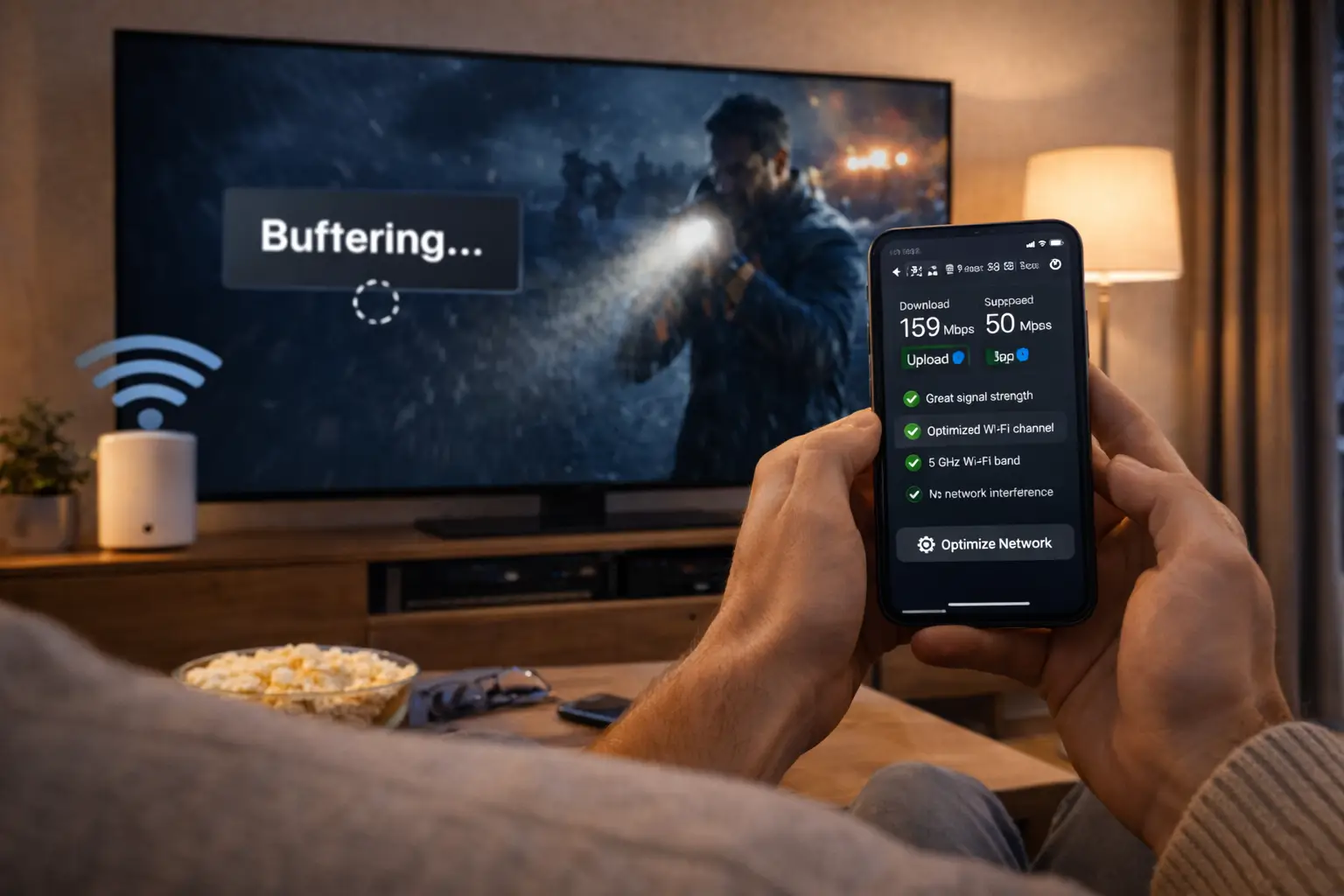
Your speed test result decides the picture quality you can expect. As a working rule, each screen needs about these figures. If more than one screen plays at once, add them together, then leave headroom for the phones, laptops and consoles sharing the same line.
Speed per screen
The bigger issue in many Ontario homes is not the line coming in, it is the Wi-Fi going out. A router tucked into a closet by the front door, a concrete wall between units, a basement two floors below the modem: each of these can turn a fast plan into a stuttering picture. The fix is rarely a faster plan. It is usually a better path from the router to the screen.
| Type of home | Typical weak point | First fix | Guide |
|---|---|---|---|
| Condo or apartment | Crowded 2.4 GHz band | 5 GHz or a short cable | Condo Wi-Fi |
| Detached or semi with basement | Floors between router and TV | Mesh point or wired link | Mississauga |
| Large family house | Several heavy users at once | Add up figures, schedule big updates | Brampton |
| Rural home or cottage | Modest or variable line | HD instead of 4K, test in the evening | Buffering |
Three habits help almost everywhere: run the speed test on the TV or stick itself, not on your phone next to the router; use an Ethernet cable for the main TV whenever the router is within reach; and on a dual-band router, connect streaming devices to 5 GHz when they sit near it, keeping 2.4 GHz for distant rooms.
Devices that suit each kind of home
You probably own a compatible screen already. The service runs on Samsung and LG smart TVs, Android TV and Google TV boxes, the Fire TV Stick, Apple TV, iPhone and iPad, Android phones and tablets, and PC. The same access works on all of them, used one at a time, which is handy when the family’s devices come from different brands.
Condo
A Fire TV Stick behind the TV or the TV’s own player app. A phone as a second screen for one viewer. See the Fire TV Stick guide.
Family house
An Android TV box on Ethernet for the main 4K screen, sticks or smart TV apps elsewhere. See the Android box guide.
Smart TV only
Samsung or LG with a TV-activated player such as IBO Player. See the smart TV guide.
Apple household
Apple TV for the living room, iPhones and iPads for one-person viewing. See the Apple TV guide.
A few practical notes from the homes we hear from most often. Older smart TVs can be slow to load large channel lists; a recent streaming stick plugged into the same TV often feels much quicker. In a small condo, a phone or tablet can be the main screen for one person, as long as only one stream plays at a time. For a 4K television in a large family room, a wired box gives the steadiest result. Our devices hub compares every option.
Eastern Time, Central Time and your programme guide
Most of Ontario runs on Eastern Time, and so does your evening. The electronic programme guide, or EPG, in your player shows what is on now and what comes next. If listings look shifted by an hour or more, the cause is almost always a time-zone or offset setting inside the player or the device, not the service itself.
- Setup
Set the device time zone
Eastern for most of the province, Central for much of Northwestern Ontario.
- Same evening
Align the guide
Shift the player’s guide offset until the current programme matches what is playing.
- Spring
Recheck after the clocks change
Some devices handle the switch better than others.
- Fall
Recheck once more
A two-minute look avoids a week of confusion.
Northwestern Ontario deserves a specific word. Around Kenora and toward the Manitoba border, local time follows Central rather than Eastern. If that is you, set your device to Central and align the guide with your own clock. If you carry a stick between a southern Ontario home and a cottage in that region, recheck the guide each time you plug in. Our page on the TV guide on Eastern Time covers every case, including what to do when one channel runs off while the others are right.
Languages in Ontario households
Ontario homes speak many languages, often several under one roof. The catalogue includes French-language and international content. We do not list specific languages or channels in our guides, because availability can change; if a specific language matters to someone in your home, ask support before ordering, and you will get a straight answer about what is available.
Two settings, not one
The language of the player’s menus and the language of the programme are separate. A grandparent can have menus in the language they read best while watching programmes in another. Many programmes also offer several audio tracks or subtitles, selected from the player during playback.
In practice, three steps make a multilingual home comfortable. Set the menu language on each device for the person who uses it most. Rename or reorder groups so the languages your household watches sit at the top of every list. And build personal favourites, so each viewer reaches their programmes in a few presses without scrolling past categories they never use. Support answers in English and French, so either language works for your questions.
IPTV Ontario packs and durations
The packs are the same whatever city you live in. Here is what each one includes, using only the figures published on its product page.
VIP Premium Pack
- 27,000+ channels
- 61,000+ series
- 155,000+ movies
- HD, Full HD and 4K
Ultimate 4K Pack
- 57,000+ 4K channels
- 47,000+ series
- 179,000+ movies
- 20 servers in Europe
Each pack comes in four durations: 1, 3, 6 or 12 months. You pay once, in Canadian dollars, by card or PayPal. There is no contract and no automatic renewal, so nothing is charged again unless you place a new order yourself. We do not print amounts in our guides because they change; see current prices in our plans overview.
A short duration such as the 1-month subscription suits a household that wants to see how the service runs in its own building before committing, particularly in a condo where Wi-Fi conditions vary by floor. The 12-month subscription suits a home that already knows its setup works. Our payment guide explains what happens before and after checkout.
Getting started with IPTV Ontario in any town
The steps are identical in every corner of the province. Do them in this order, and keep your welcome e-mail open on your phone once it arrives.
- Check your speed. Run a test on the device you plan to watch on, at the hour you usually watch, and compare it with the per-screen figures above.
- Count your screens. Decide whether one stream at a time fits your household, or write to support first about more simultaneous screens.
- Choose a pack and a duration. Compare the three packs and four durations, then see current prices on the plans page.
- Install a player. Get IPTV Smarters Pro, TiviMate, IBO Player or another supported player from your device’s official app store.
- Enter your access. Type the Xtream Codes details or paste the M3U link from your e-mail, and wait for the lists to load.
- Set the guide time. Align listings with Eastern Time, or Central Time in Northwestern Ontario.
- Tidy up. Hide unused groups and build favourites for each viewer.
- Router near the main TV, or a cable run to it
- Streaming devices on 5 GHz where possible
- Player installed from the official store
- Welcome e-mail saved in an easy-to-find folder
- Household agreement on who watches when
The setup hub covers the process device by device, and the guides to Xtream Codes and M3U playlists explain each field. If anything stalls, our help hub lists the common symptoms and fixes.
Moving house within Ontario
Ontarians move often: from a first condo to a townhouse, from a family house to a smaller place after the kids leave, from Ottawa to the Greater Toronto Area for a new job. Your access moves with you, because it is tied to your household rather than to an address. What changes is the home it runs in, and that is worth a fresh look on the first evening in the new place.
The router is suddenly further from some TVs. Test every floor before you decide where the main TV goes.
Then: read the Mississauga guideDistance stops being a problem; crowding starts. Put streaming devices on 5 GHz from day one.
Then: read the Toronto guideThe number of screens playing at peak time may rise. Recount before the first busy weeknight.
Then: read the Brampton guideNew viewers may need menus in another language and their own favourites.
Then: read the Ottawa guideA short moving-day routine covers the rest. Reconnect each device to the new Wi-Fi network, run a speed test on the main TV at your usual viewing hour, confirm the guide time if you crossed into a different time zone, and remove the access from any device you sold or gave away during the move. If anything behaves differently in the new home, our help hub is the place to start, and support can check the access side while you check the network.
Support for Ontario households
Support answers 7 days a week by e-mail and WhatsApp (+33 6 44 65 43 13), in English and French. You can also send a message from the contact page. Whatever your city, the fastest answers come from a first message that describes your setup clearly.
- Your device and the player you use
- The type of home and where the TV sits relative to the router
- What the screen shows, word for word if there is an error
- What you already tried, such as retyping the login or restarting the router
- The speed you measured on the TV
Deep dive: why we ask where the TV sits
It may seem odd for a support team to ask about your floor plan, but in most cases the location of the TV relative to the router explains the problem faster than anything else. A TV in the same room on a cable almost never buffers for network reasons; a TV two floors down on 2.4 GHz often does. Telling us that detail up front saves a round of questions and gets you to the fix sooner. That is also why our city guides are organised around types of homes: the building tells us more than the address.
Our support page explains what we help with, and the about page describes who we are and how we work with Ontario households.
Words you will see in our city guides
The city guides use a few technical terms. Here they are in plain language.
- 2.4 GHz and 5 GHz
- The two Wi-Fi bands of a dual-band router. 5 GHz is faster over short distances; 2.4 GHz reaches further but is more crowded.
- Mesh
- A set of Wi-Fi units placed around the home that work as one network, useful across floors.
- Ethernet
- A network cable between router and device, the steadiest connection for a TV.
- Simultaneous connection
- A stream playing at a given moment. Each pack includes 1.
- EPG
- Electronic programme guide: the listings in your player.
- Guide offset
- A setting that moves listings so they match your local time.
- Xtream Codes
- Your login: server URL, username and password.
- M3U
- Your playlist as a single link.
Ready for your home
Pick a pack and a duration, and your access arrives by e-mail within minutes, wherever you live in Ontario.
FAQ
Does IPTV Ontario work outside the four cities you cover?
Yes. The service only needs a stable internet connection, so it works the same way in any Ontario town. The city guides describe types of homes, and the advice applies wherever you find that kind of home.
How fast does my internet need to be?
Count about 10 Mbps per screen for HD, 15 Mbps for Full HD and 25 Mbps for 4K. Add the figures if several screens play at once, and measure the speed on the device you watch on.
Can the whole family watch on different TVs at the same time?
Each pack includes 1 simultaneous connection. The same details can sit on several devices used one at a time. For more screens at once, contact support, who will explain the conditions and the price.
How quickly do I receive my access?
Your access details are e-mailed within minutes of your order, either as Xtream Codes or as an M3U link, ready to enter in your player.
Is there a contract or automatic renewal?
No. You pay once in Canadian dollars by card or PayPal for 1, 3, 6 or 12 months. Nothing renews on its own when your plan ends.
Can I watch in a specific language?
The catalogue includes French-language and international content. For any specific language, ask support before ordering so you know exactly what to expect.
Why does the guide show the wrong times?
The device time zone or the player’s guide offset does not match your clock. Set Eastern Time, or Central Time in much of Northwestern Ontario, and align the offset.
Can I use my access at the cottage?
Yes, on your own devices, as long as only one stream plays at a time across home and cottage. Check the speed there and choose HD if the line is modest.
Can a relative in another city use my login?
No. Credentials are for one household only, and on a single-connection pack two homes would interrupt each other. Each household should order its own pack.
Which city guide should I read first?
The one that matches your home, not your address: Toronto for condos, Brampton for full houses, Mississauga for basements and floors, Ottawa for bilingual homes.


